
 By xsaver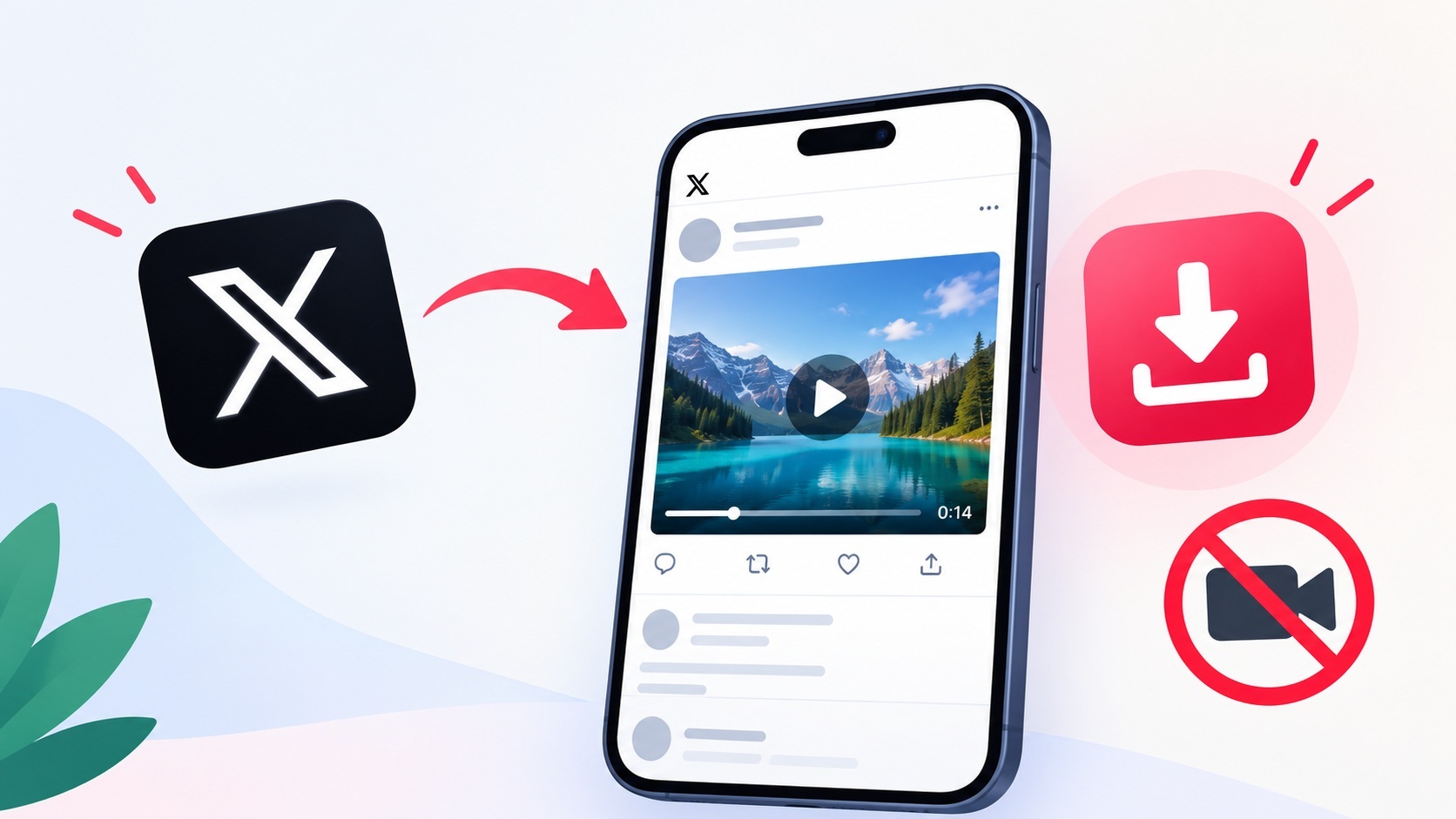
Have you ever wanted to save a video from X?
Imagine scrolling through your feed and coming across a hilarious video that you want to keep forever. You know the one—it’s too good to let slip away. But when you try to save it, you realize you can’t just right-click and download. The annoying part is, most people think they have to resort to screen recording, which is time-consuming and often yields subpar quality.
But don’t worry! There’s a far simpler way to save videos without screen recording. That’s where xsaver comes in, a free online tool that lets you download videos directly from X (formerly Twitter) without any fuss. In this post, I’ll guide you through how to use xsaver and share tips to make your video-saving experience even smoother.
Why Use xsaver?
Honestly, xsaver has changed the game for me. It’s quick, convenient, and doesn’t require any apps or accounts. Just copy the tweet URL, paste it into xsaver, and you’re good to go. You can choose between HD and SD quality, so you’re not sacrificing video quality for ease of use. Plus, there are no watermarks to deal with, which is a huge plus in my book.
How to Use xsaver to Save Videos
If you’re ready to save videos without screen recording, here’s a simple step-by-step guide:
- Find the Video: Go to the X app or website and locate the tweet containing the video you want to save.
- Copy the Tweet URL: Click on the share icon and select “Copy Link to Tweet.”
- Open xsaver: Go to x downloader.
- Paste the URL: In the xsaver input box, paste the tweet URL you copied.
- Select Quality: Choose whether you want the video in HD or SD format.
- Download: Click the download button, and the video will be saved to your device!
It’s as easy as that! You won’t believe how quickly you can save videos without screen recording.
Tips for Better Video Downloads
While using xsaver is straightforward, here are a couple of tips to enhance your experience:
- Check the Video Length: Longer videos may take a bit more time to process. If you’re downloading something lengthy, be patient!
- Quality Matters: If you’re unsure about which video quality to choose, check out my thoughts on HD and SD Quality to help you decide.
Legal Considerations for Downloading Videos
Now that you know how to save videos without screen recording, let’s touch on something important: the legality of downloading videos from X. It’s crucial to understand copyright and fair use before downloading videos, especially if you plan to share or use them publicly. For a deeper dive into this topic, check out my post on the legal aspects of downloading Twitter videos.
Potential Gotchas to Watch For
Even though xsaver is incredibly user-friendly, there are a few minor pitfalls to be aware of. Sometimes, videos might be restricted due to privacy settings, which means you won’t be able to download those specific clips. If you encounter this issue, just move on to another video that’s public.
Also, make sure you’re using the correct URL. If you copy a link that doesn’t point to a tweet with a video, xsaver won’t be able to process it, and you’ll be left scratching your head.
Frequently Asked Questions
Frequently Asked Questions
Can I download videos from protected accounts?
No, if the account is private or protected, you won’t be able to download those videos, as xsaver requires the video to be publicly accessible.
Is it safe to use xsaver?
Absolutely! xsaver is a secure tool that doesn’t require you to create an account or provide personal information, making it a safe choice for downloading videos.
What formats can I download the videos in?
You can choose to download videos in either HD or SD quality, depending on your needs and the video’s original quality.